AI assistants
Work from your own AI. Reachio keeps the approvals.
An owner or admin connects an AI assistant in a few clicks and picks what it may do. Everything it makes waits for a person, exactly like work done in the panel.
How it works
-
Step 1
Connect
Add Reachio to ChatGPT, Claude, Gemini CLI, Cursor, VS Code or Codex and sign in with your Reachio account.
-
Step 2
Choose the access
Pick the agency or one brand and a level: read; read and draft; or read, draft, launch and approve.
-
Step 3
Ask in plain words
The assistant reads results, search terms and Search Console, makes creatives and content, and plans campaigns.
-
Step 4
A person says yes
Launching, publishing and approving need the widest access, your confirmation and your role; everything is logged as done through the assistant.
What you can do
- 44 tools that mirror the panel’s screens: brand kit, connections, Studio, media, posts, launch plans, approvals, content, catalog, Search Console, tracking health and Test Lab.
- Campaigns are always created paused.
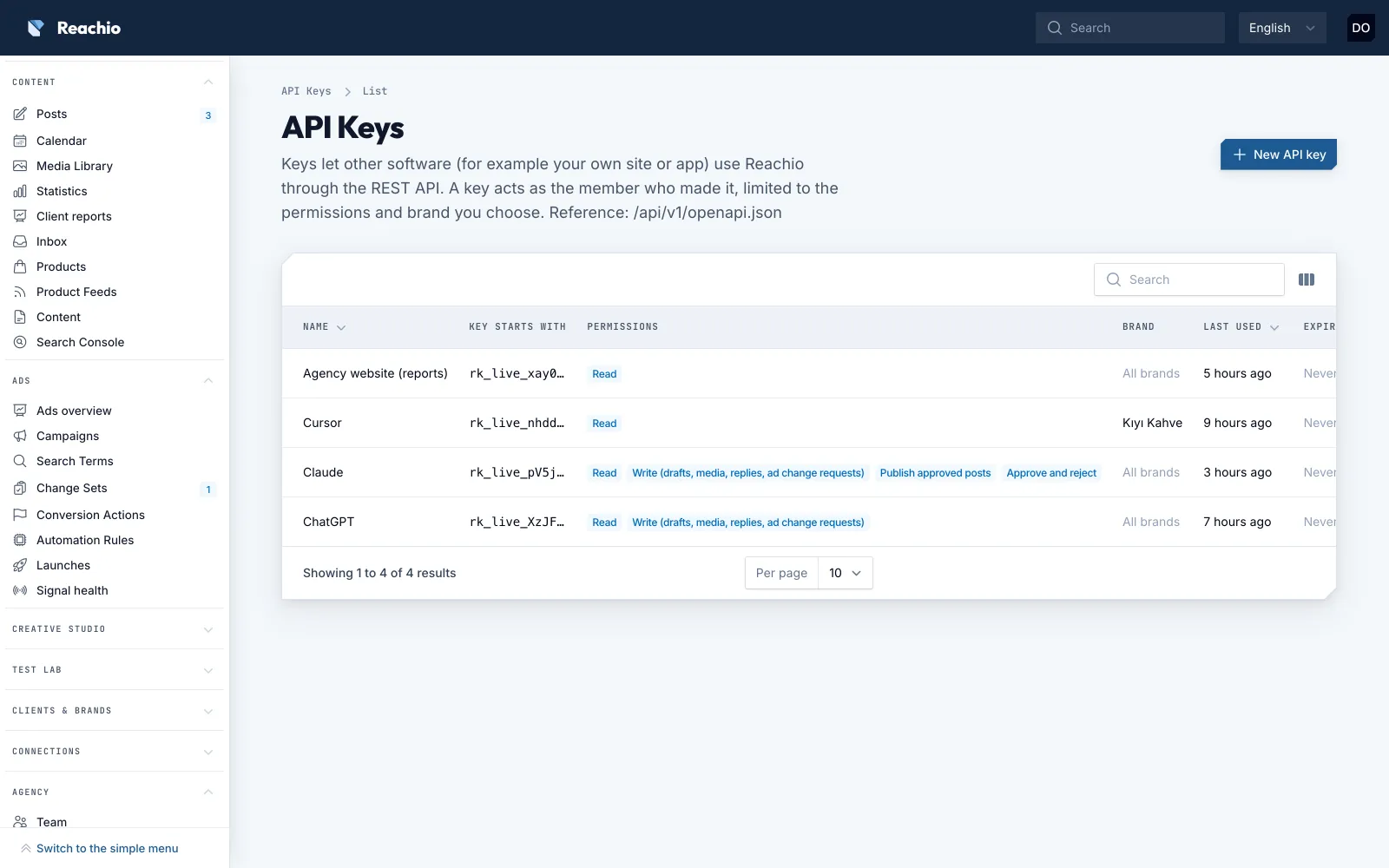
- Revoke any connection under Agency → API keys.
- The same REST API with keys per brand and permission.
Limits, said plainly
- Included on Agency Pro and up, or on Agency with the API add-on; everyone has it during early access.
- Inbox items, LinkedIn member data and platform tokens are never available to assistants.
- The assistant’s provider processes what it receives under its own terms with you.
Bring your first brand in.
Free early access, no card.