Creative studio
On-brand creatives in every size, from your own brand kit.
Reachio scans the brand’s website for its own logo, colours and photos, then makes creatives and copy that follow them, using only the claims the brand approved.
How it works
-
Step 1
Build the brand kit
“Scan my website” fills empty fields with the brand’s own logo, colours and fonts; it never takes partner or client logos.
-
Step 2
Pick a design or a quick product ad
91 layered templates in 15 sizes; product-ad designs with a device frame, a soft background and a features list.
-
Step 3
Write the words
Ad copy in 35 frameworks and 20 tones, within each platform’s limits, with a 0–100 rule score that explains itself.
-
Step 4
Approve and use
Renders go to the media library; a person confirms the alt text, and AI-made images carry an AI marker.
What you can do
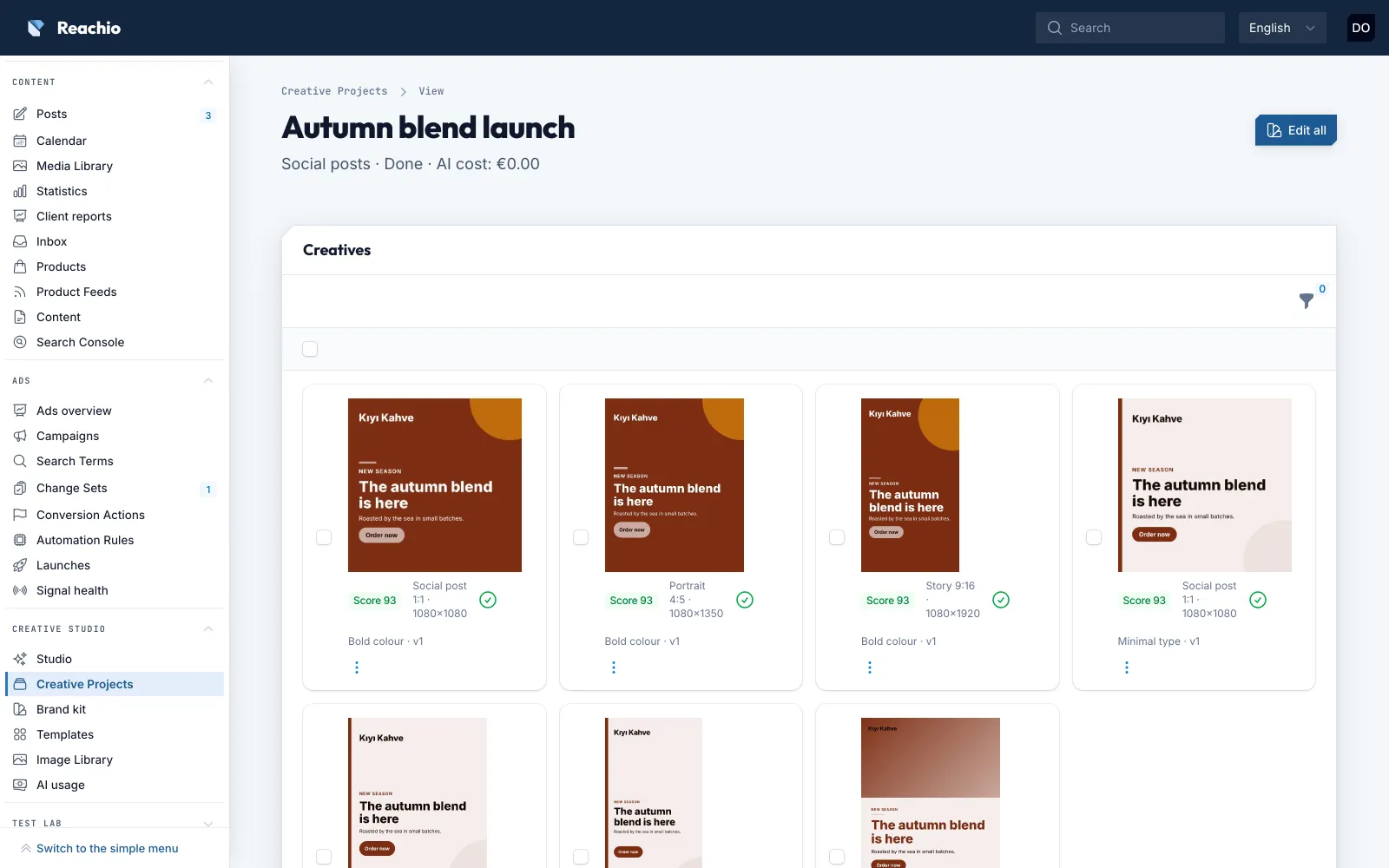
- Make a creative in every size at once, edit all versions together, or convert one to another size.
- Generate ads from catalog products.
- Write blog posts, e-mails and slide decks (PDF) with the same claims-only rule.
- Use stock photos from Openverse and Pexels, or AI images through the Talivio AI gateway.
- Add your own finished designs and texts; they go through the same approvals, with no AI involved.
- Make short MP4 videos (9:16 or 1:1) from the brand’s images, or creator-style videos with an AI script, captions and an AI voice in English, labelled as made with AI.
Limits, said plainly
- Product photoshoots and AI-generated video footage are not there yet; short videos are made from your own images, with an AI voice in English only.
- The 16 illustrated designs come in 1080×1350 only for now.
- AI work uses the plan’s monthly AI allowance; AI packs top it up.
Bring your first brand in.
Free early access, no card.