Client reports
Client reports that a person approves before they go out.
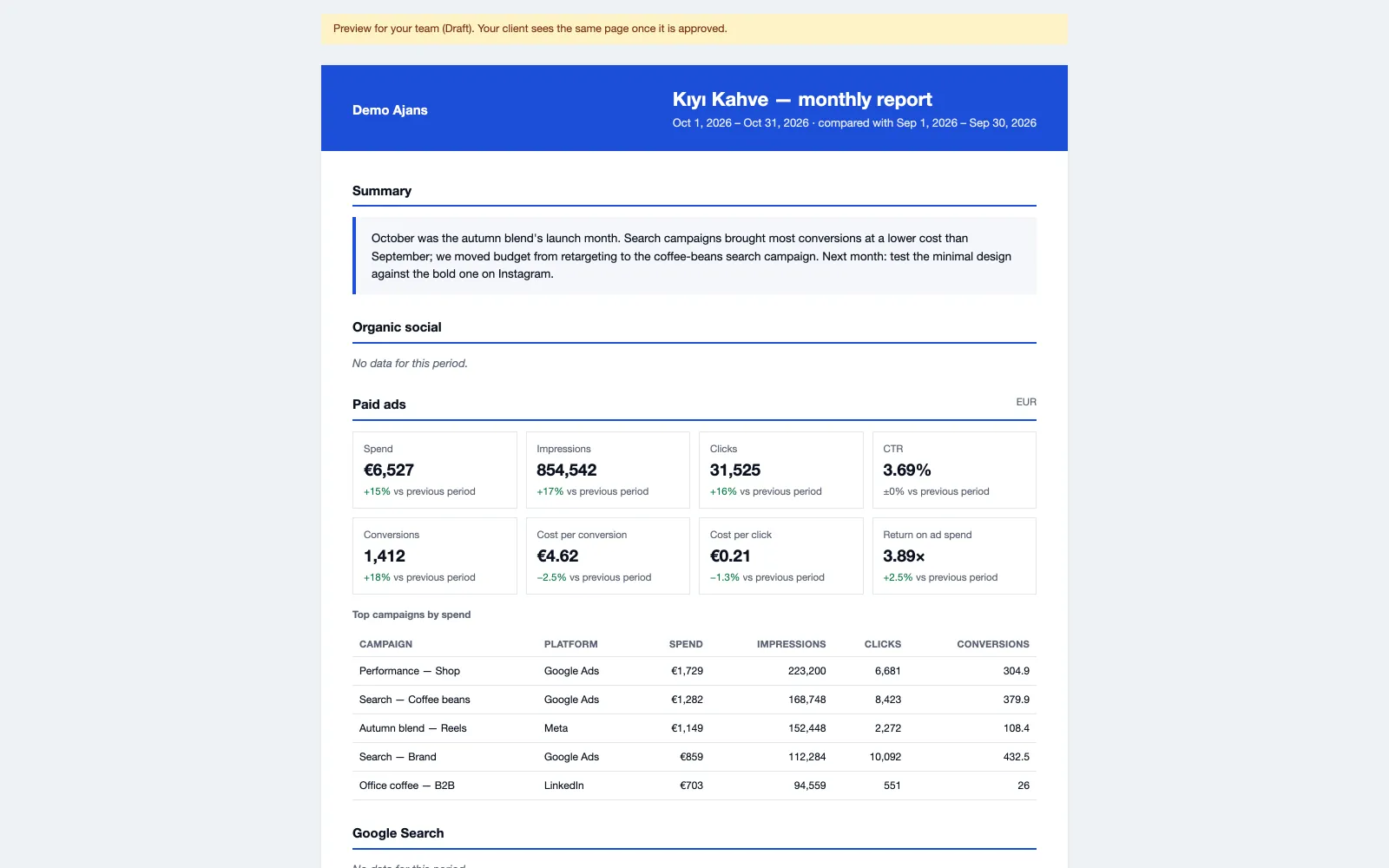
Reachio freezes the figures for the period, you add the story, a manager approves, and each client contact gets a PDF, an e-mail and a link in your agency’s name.
How it works
-
Step 1
Set up once per brand
Weekly (last full week), monthly (last full month) or a custom range; sections, client recipients, and a send day and time in the brand’s time zone.
-
Step 2
Figures are frozen
Each issue keeps its own figures, so the report does not change after it is sent.
-
Step 3
Comment and approve
Write the comment by hand or start from an AI draft of the frozen figures. A manager approves; changing the comment voids the approval.
-
Step 4
Send
One e-mail per recipient with the PDF and a link that opens without a login for 90 days.
What you can do
- Sections for organic, ads, Search Console, tracking and highlights.
- Send automatically on schedule, but only after a person has sent the first issue.
- Client roles in Reachio see only issues that were sent.
- White label on Agency Pro and up: no Reachio on the report; below that, a small “Prepared with Reachio” line.
Limits, said plainly
- Ads figures are shown in the brand’s main currency only.
- Search Console figures cover only the brand’s own sites.
- Clients open sent issues in the client portal or from the e-mail link; the portal has no dashboards of its own beyond them.
Bring your first brand in.
Free early access, no card.