Posts and approvals
Nothing goes out until the right people said yes.
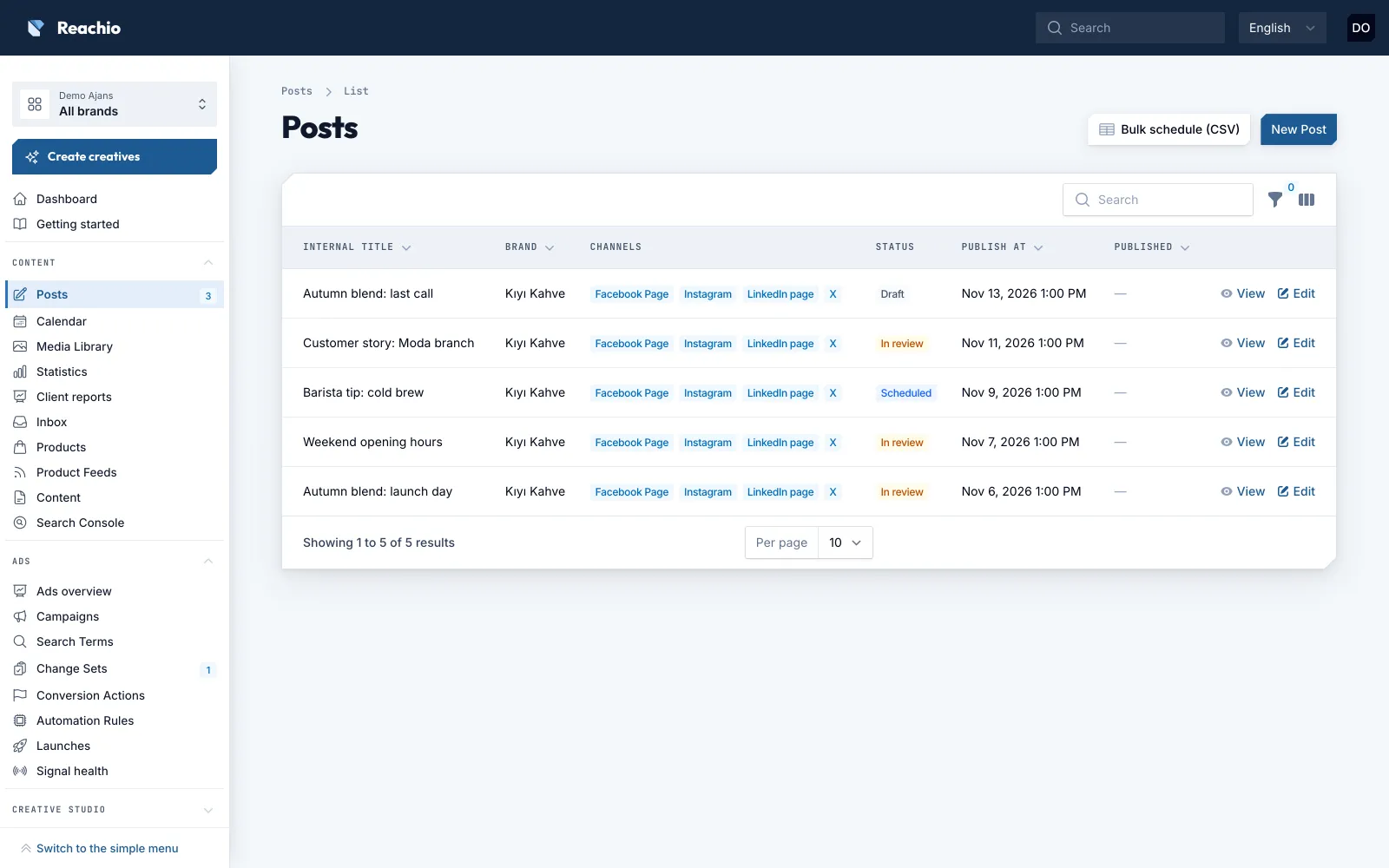
Write one post with a version for each network, send it through the brand’s approval chain, and Reachio publishes it on time, only if the approved version is still the one that goes out.
How it works
-
Step 1
Write once, adapt per network
One post with a version per channel: each network’s length limits, media rules and alt text, checked as you type.
-
Step 2
Send for approval
The brand decides the chain: an internal step, a client step or both. Approvers see exactly what will go out.
-
Step 3
Edit voids approval
Any change after approval sends the post back. The approval is checked once more right before publishing.
-
Step 4
Published and logged
Reachio publishes on schedule and writes who approved what into the audit log.
What you can do
- Publish to Facebook, Instagram, Threads, LinkedIn (page and profile), X, YouTube, TikTok, Pinterest, Google Business Profile, Telegram and Bluesky.
- Plan in a calendar; plan up to 500 posts at once from a CSV file, each still waiting for approval.
- Add media from Canva, Google Drive or Dropbox; alt text is required.
- Suggested posting times from each channel’s own numbers, hashtag ideas from your best past posts (AI optional), and a link-in-bio page per brand.
- Competitors next to your brand (Instagram, YouTube, Bluesky) and their ads from the Meta and TikTok ad libraries, from official sources only.
- Client approvers and viewers are free users who see only their own brands.
- Ad budget raises and new campaign launches use the same approvals.
Limits, said plainly
- Approvals happen in the Reachio panel; a client approver needs a (free) Reachio login.
- No app-store app: on a phone Reachio is added to the home screen, with notifications and one-tap approval.
- A network can be used only after the platform has approved Reachio (see Integrations).
Bring your first brand in.
Free early access, no card.